Learning Management System (LMS)
Our LMS is fully developed in-house and adapted to the specific needs of the air transport industry.
Artificial Intelligence
Always keen to offer innovative solutions, we recently launched our Papillon ChatBot equipped with the latest Artificial Intelligence.
Adaptive Learning
Adaptive learning is about providing personalised learning experiences that meet the unique needs of an individual.
e-Learning Studio
Digitize our mandatory aviation training specificly for your company. Use our e-Learning Development Studio to have your training projects digitalized.
Who we are
An innovative player in airport training for 20 years, discover our values and our know-how.
Our Approvals
Discover our approvals, our labels and our international certifications.
Our Locations
Discover our locations and digital platforms around the world.
Who we help
We train 100,000 people each year for our 2,500 clients in Europe and around the world.
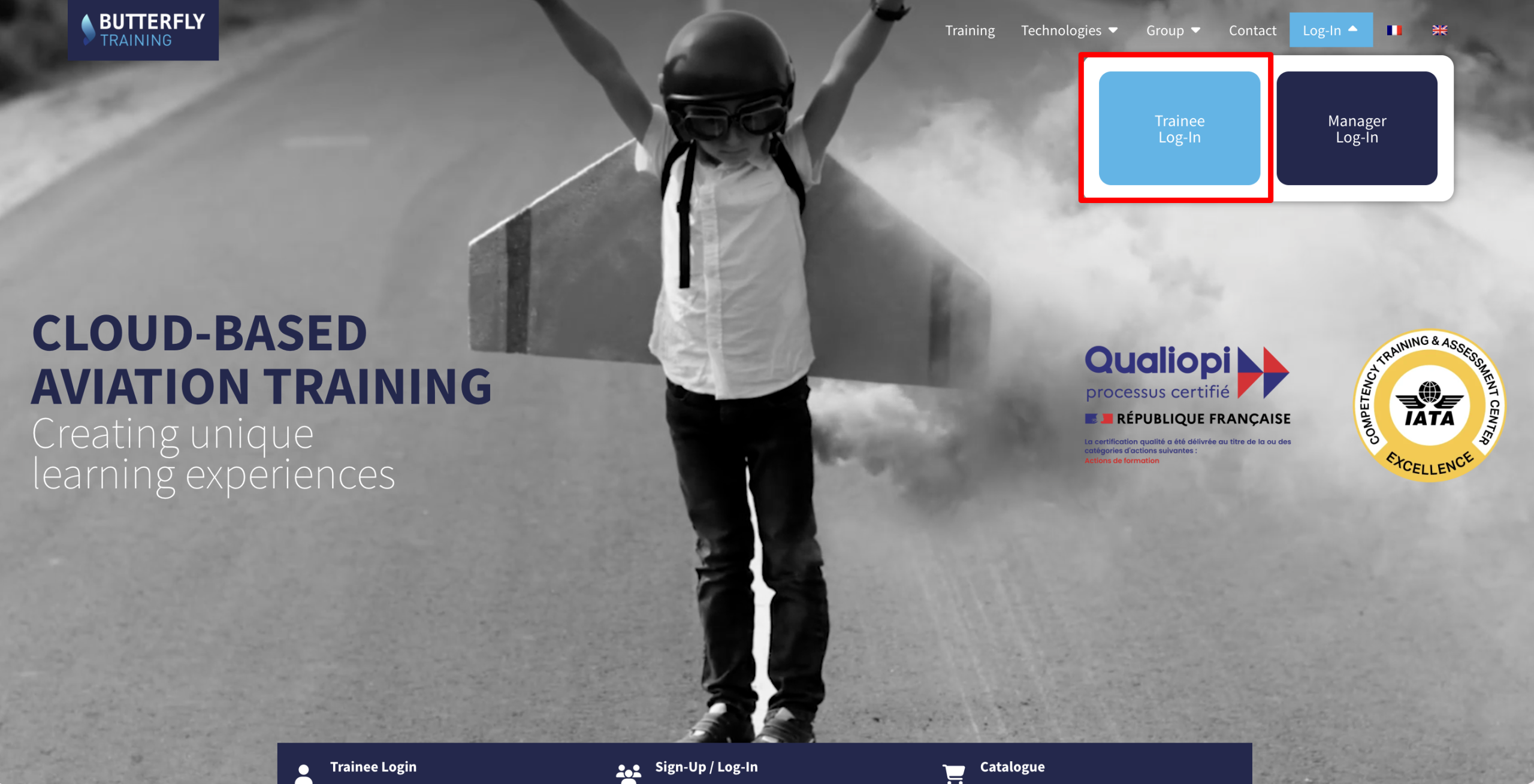
TraineeLog-In
ManagerLog-In
Edition 2026
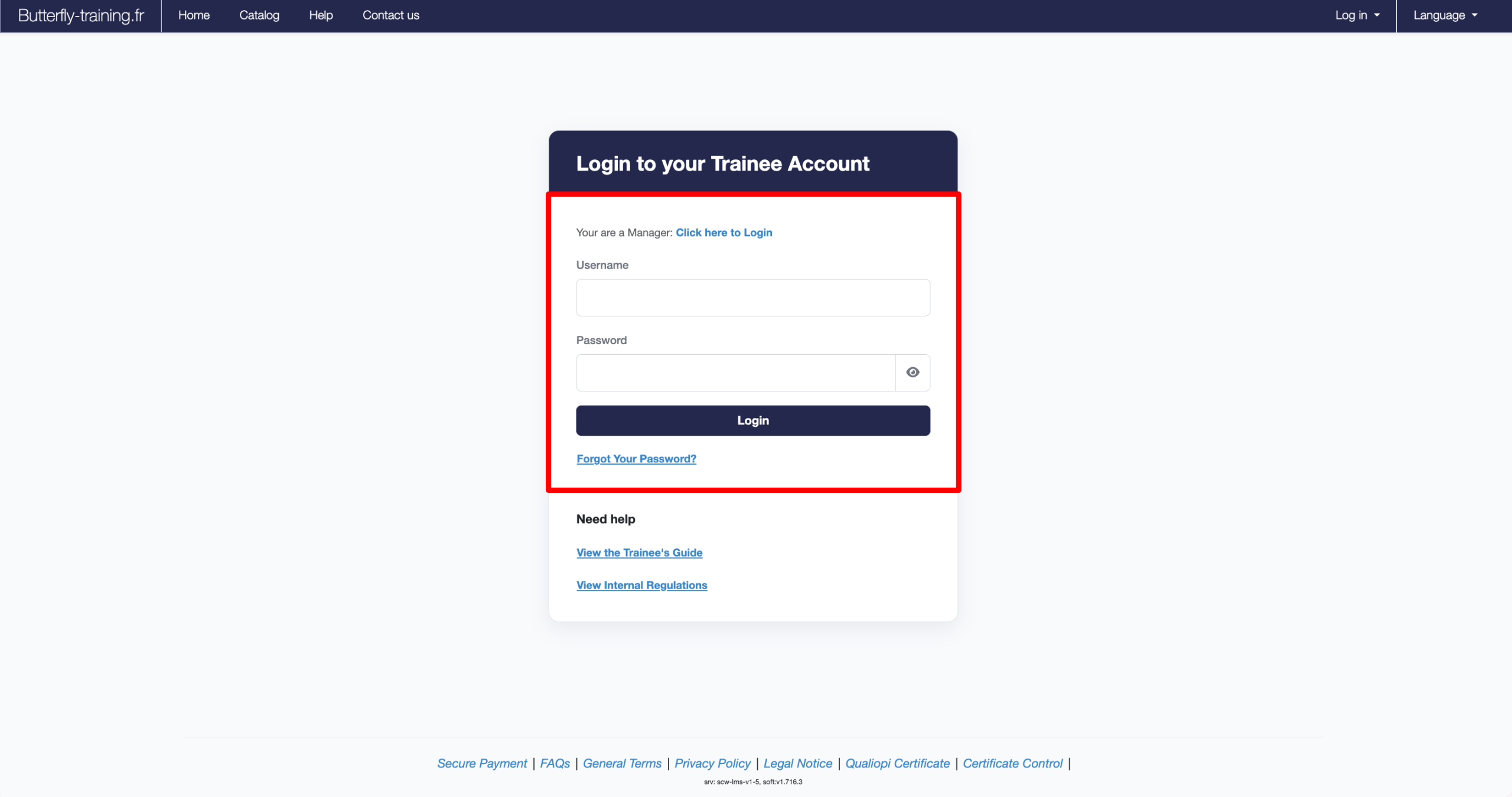
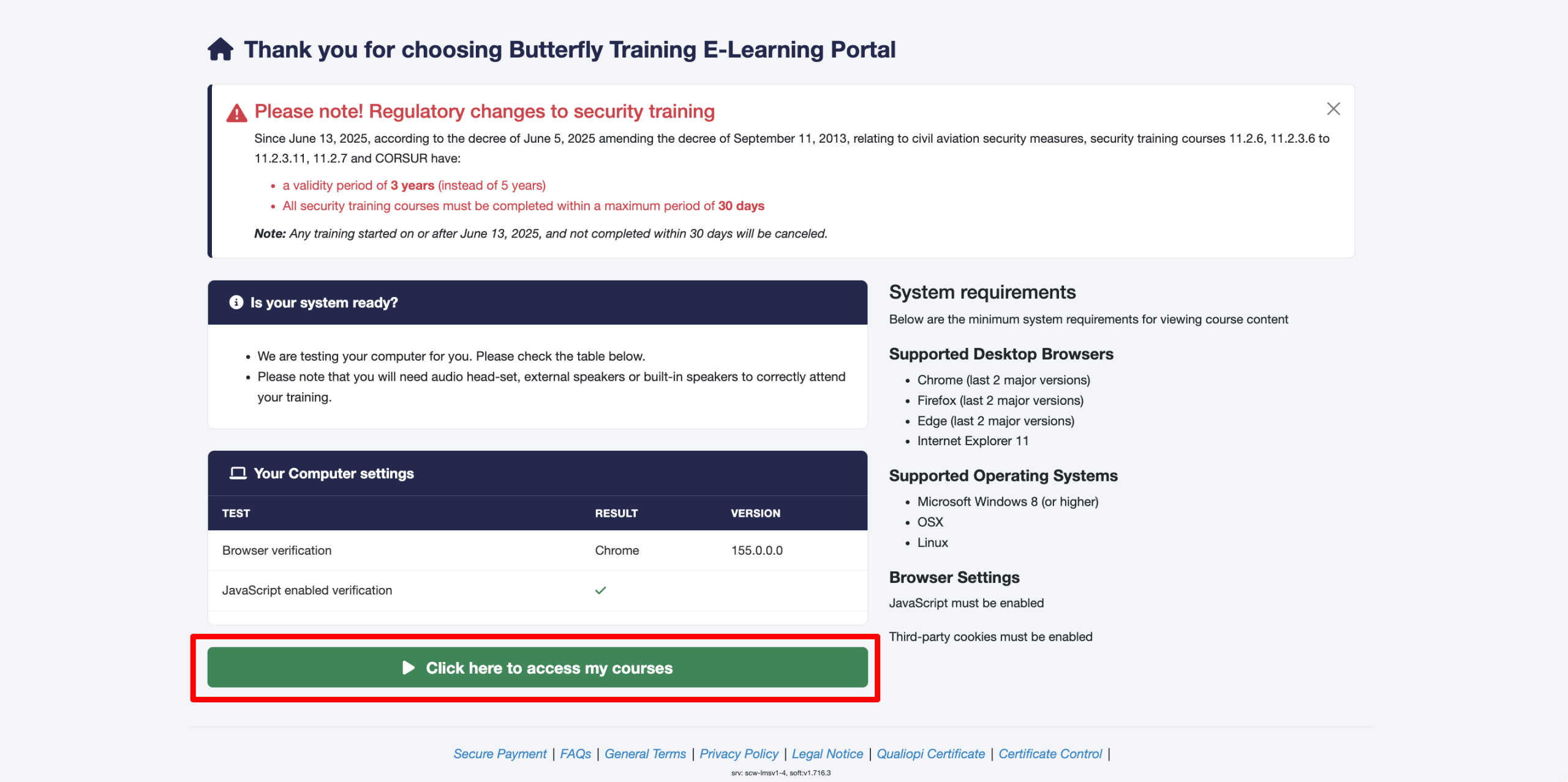
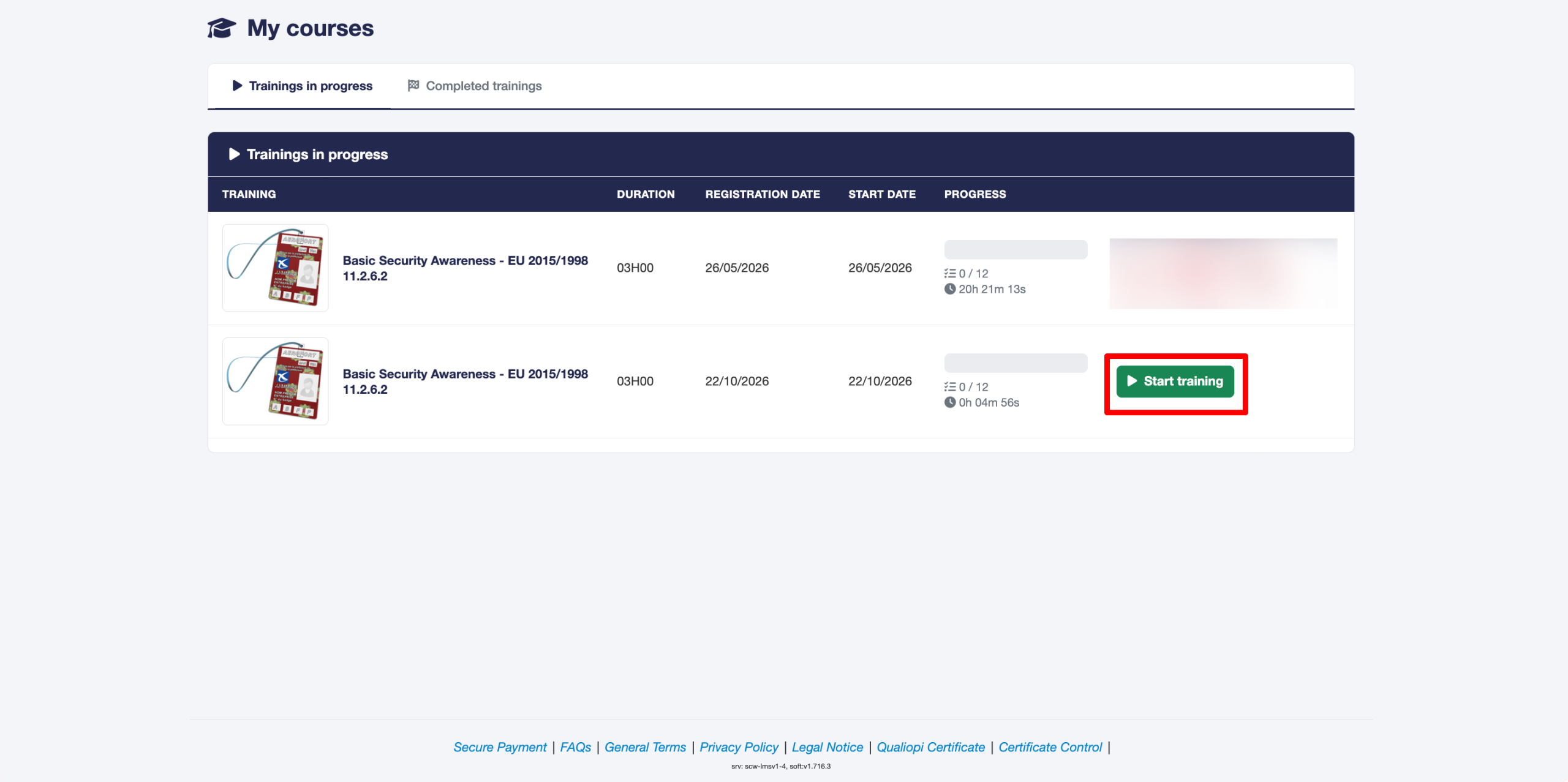
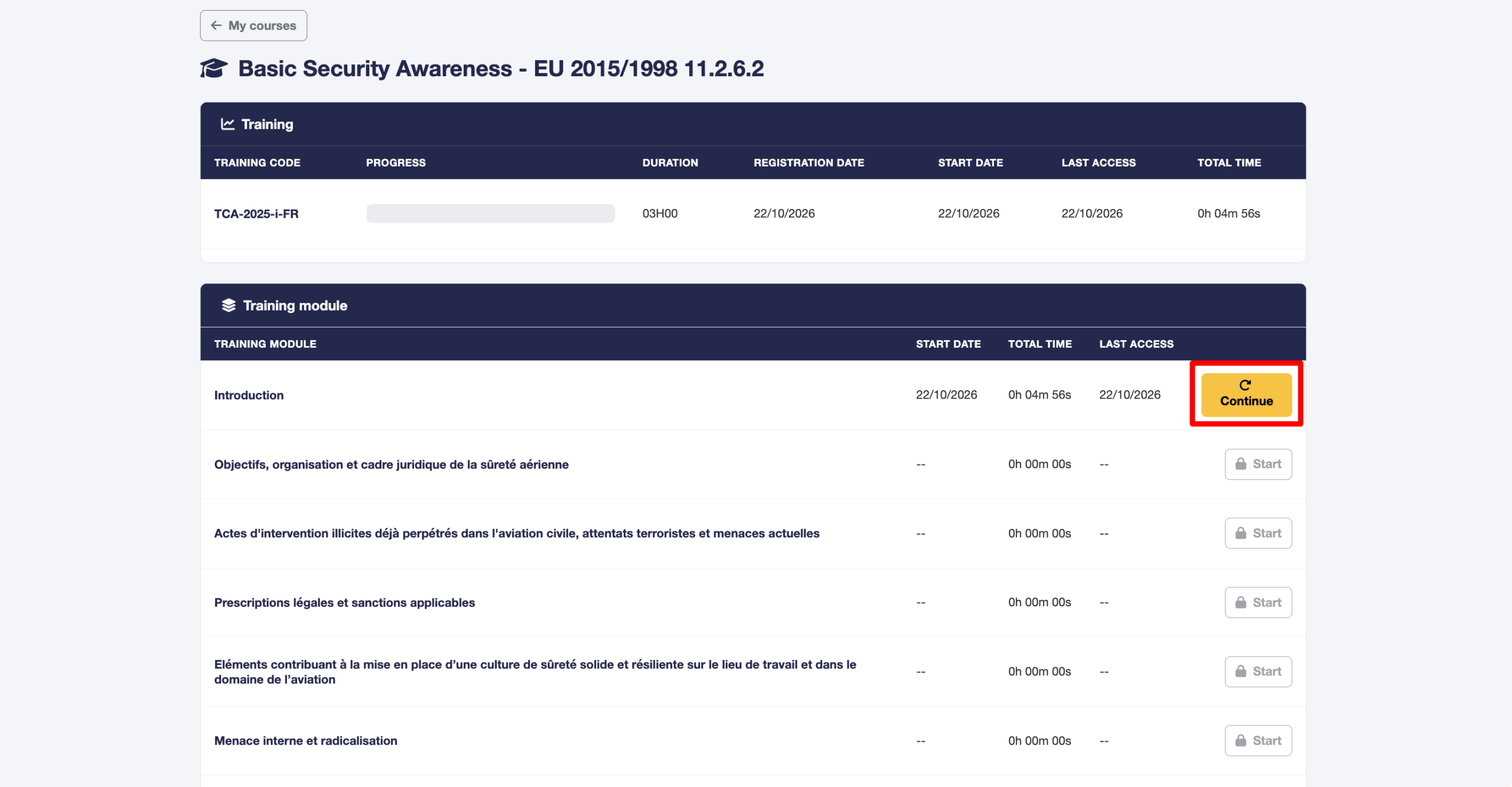
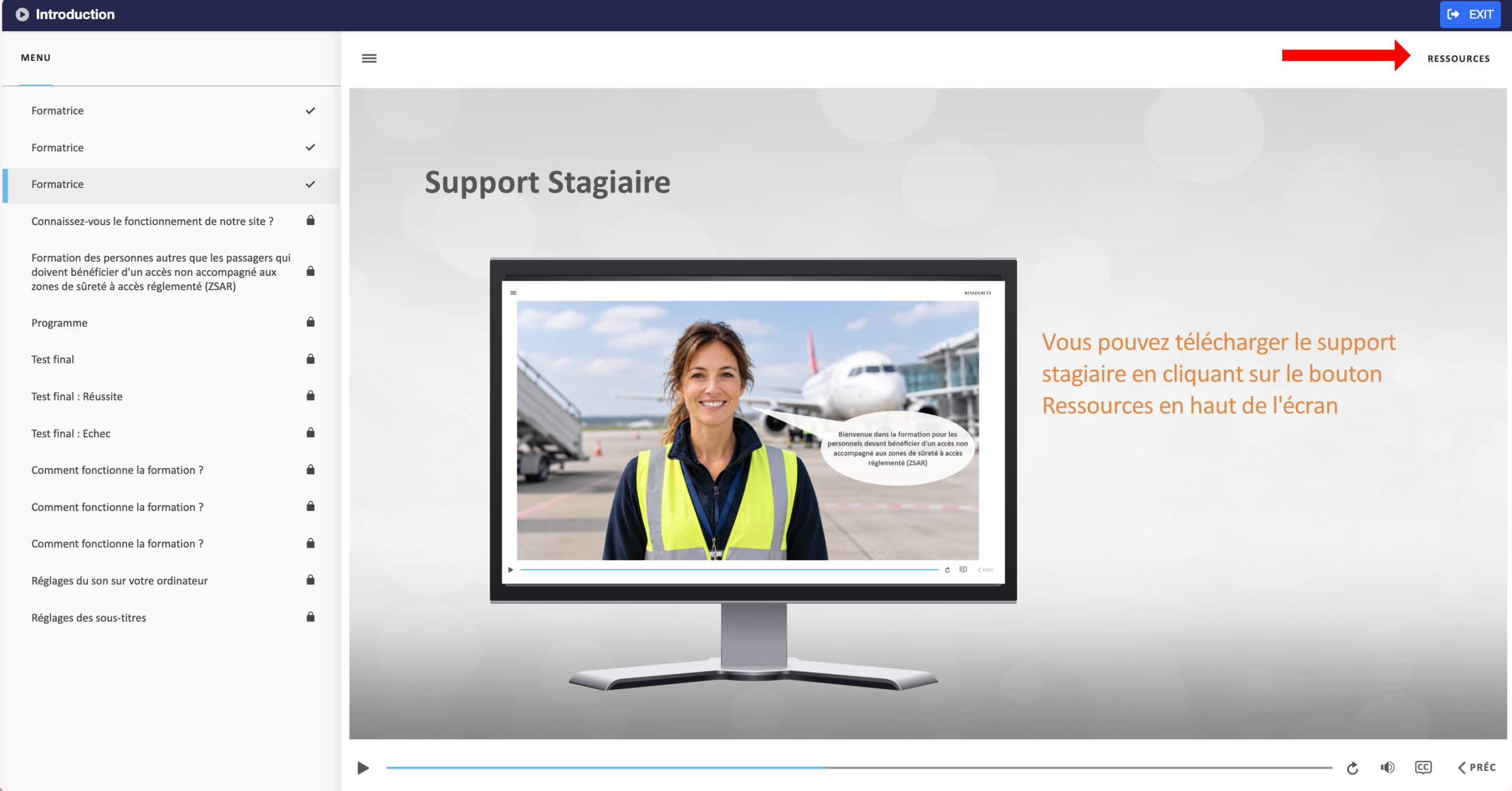
To attend a training course, log in to your account by clicking on Trainee Access.
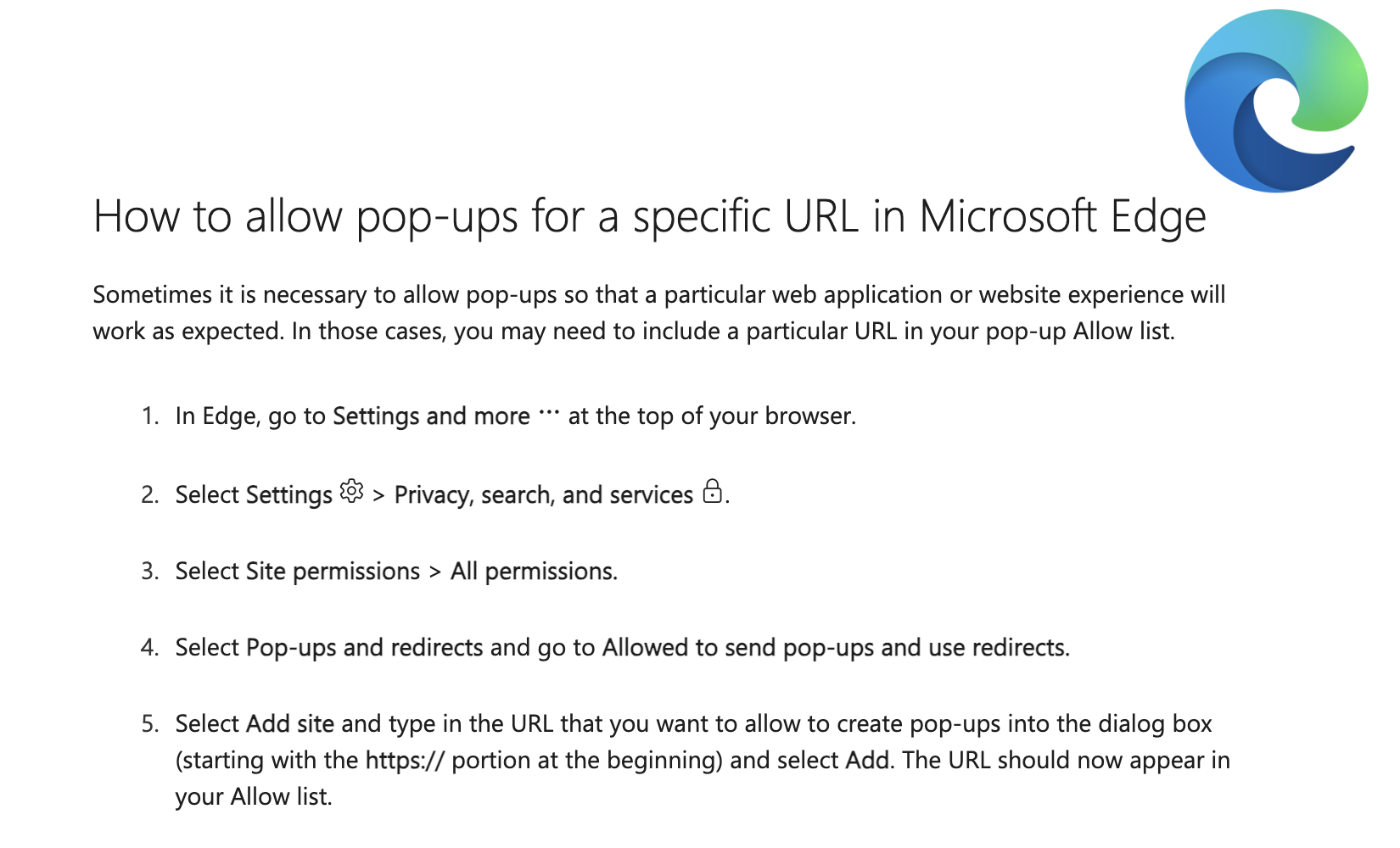
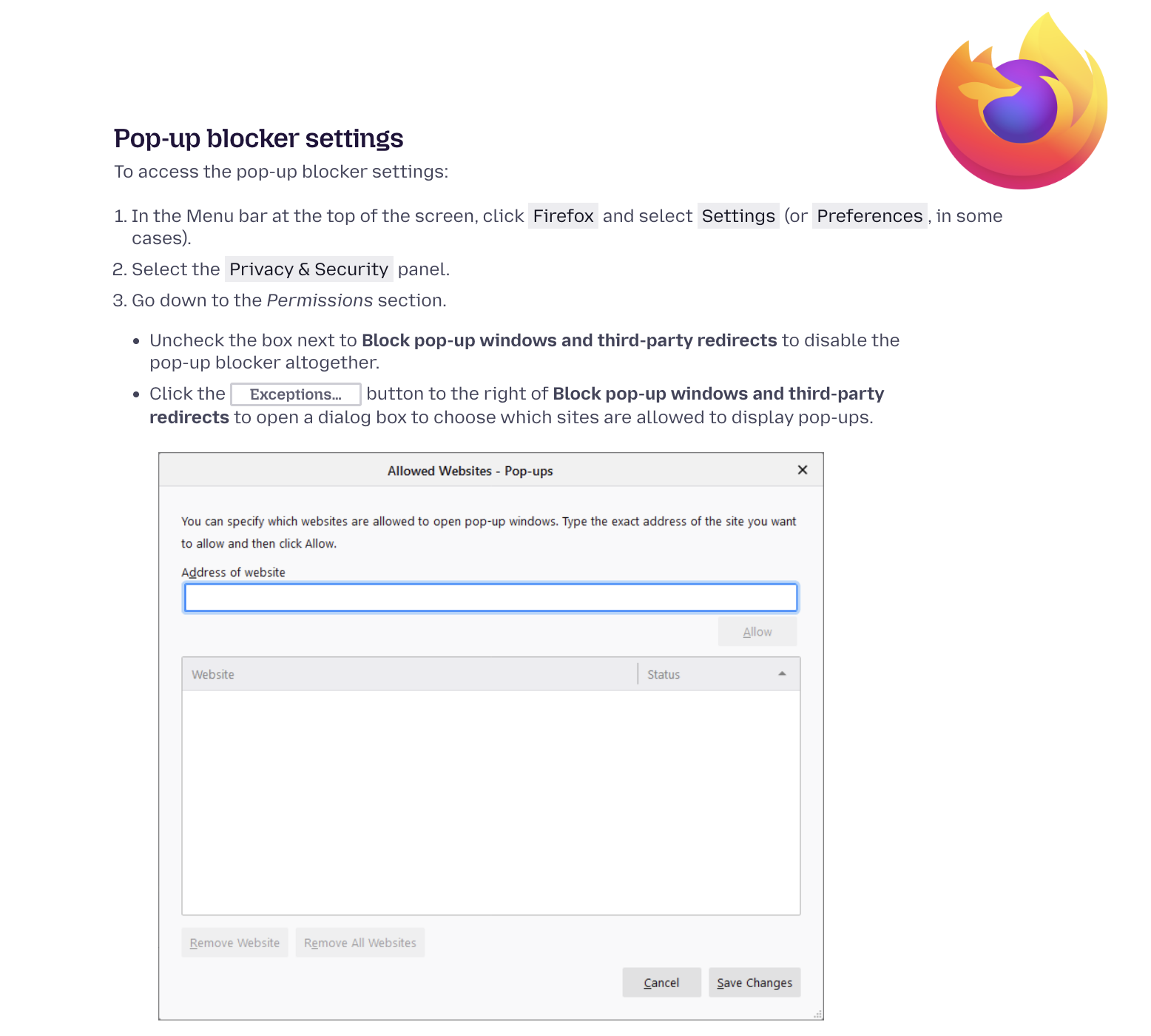
If none of these solutions work, please contact our IT Support Team.
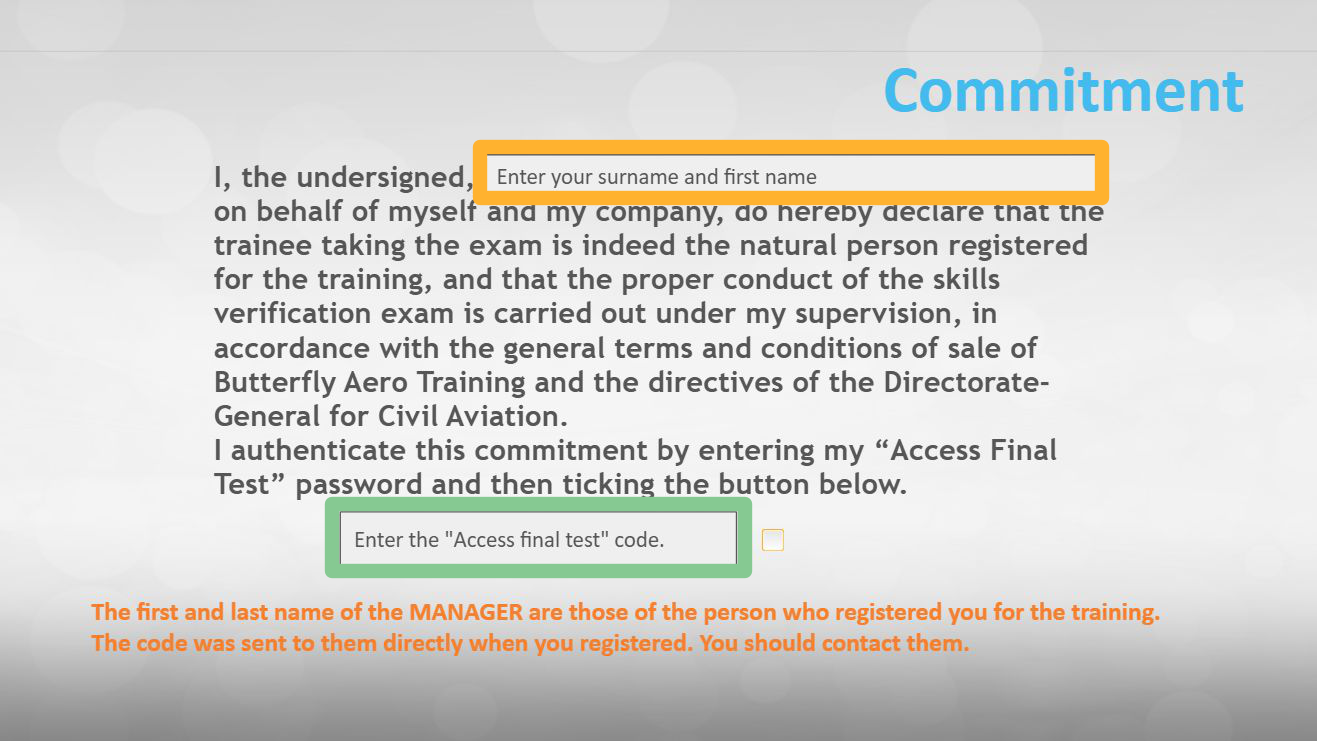
To access your final test, you must contact the person who enrolled you in the training course so they can grant you access to the final assessment.
All the latest news from Butterfly Training
Sensibilisation aux transports de marchandises dangereuses
Découvrez notre nouvelle formation
Prix : 80€ HT/ stagiaire